
If your shoulders creep toward your ears while you type, check the desk height before shopping for a new chair. A high work surface can make you lift your arms all day, even if the chair feels fine. Try lowering the keyboard, raising your seat while keeping your feet supported, or working at another surface. Change one thing at a time, then see how it feels after a full work session.
A home office needs to suit the work you do: typing, reading, video calls, sketching, or some mix of these. It does not need a dedicated room or a collection of specialized equipment. You need room to change position, enough light to see comfortably, and a way to keep everyday interruptions from taking over.
Start with the position you use most
Sit at your usual workstation and put your hands on the keyboard. Your shoulders should feel relaxed, your upper arms should stay near your sides, and your wrists should be reasonably straight rather than bent upward to reach the keys. Rest your feet flat on the floor or on a stable footrest. Your chair should support your back without making you perch on its front edge; if the seat is too deep to let you sit back comfortably, a firm cushion behind your back may help.
Chair and desk adjustments have to work together. Raise the chair to reach a high desk, and your feet may dangle. Lower it until your feet touch the floor, and you may find yourself shrugging to type. A footrest or a lower keyboard surface can solve that conflict. Armrests help when they support relaxed arms, but not when they push your shoulders up or keep you from pulling close to the desk.
No posture is meant to be held for hours. Even a chair that fits well becomes uncomfortable if you stay still. Shift position between tasks, stand for a short call, or walk while a file loads. If pain, numbness, or tingling persists despite adjustments, ask a qualified health professional for advice rather than working through it.
Put the screen where your eyes can rest
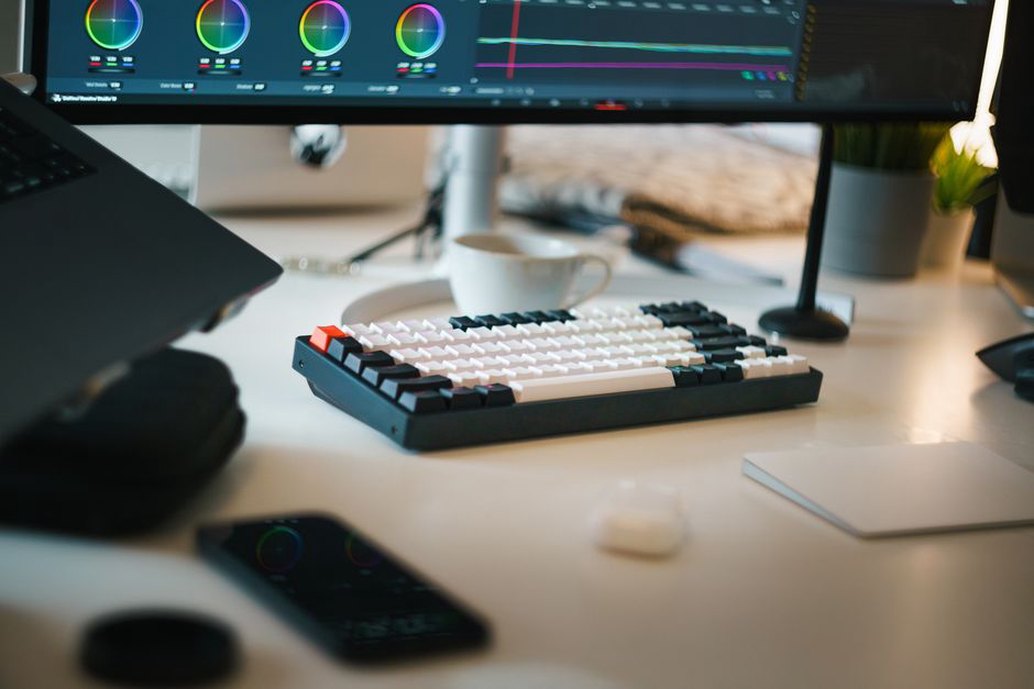
Start with the monitor roughly an arm's length away, then adjust for its size and your vision. When you look straight ahead, the top portion of the screen should generally be at or slightly below eye level. You should be able to read normal text without leaning forward or tipping your head back. If text looks too small, increase the display scaling or font size before pulling your face closer.
A laptop creates a trade-off: when its keyboard is at a comfortable typing height, the screen is usually low. For extended desk work, raise the laptop on a stand or a sturdy stack of books and use a separate keyboard and mouse. With two monitors, put the one you use most directly in front of you. If you use both equally, keep them close together and turn your chair toward the active screen instead of repeatedly twisting your neck.
Control light before adding more of it
A bright window behind your screen can make text look dim. One directly behind you may leave reflections across the display. If possible, set the screen perpendicular to the window, then use curtains or blinds as daylight changes. A matte screen setting, suitable brightness, and a clean display can also make text easier to read. Aim for comfortable contrast, not a screen bright enough to overpower the room.
For paper notes or detailed handwork, use a task lamp that lights the work without shining into your eyes or reflecting off the monitor. Putting it on the side opposite your writing hand helps reduce shadows. In the evening, leave some ambient light on rather than working with only the screen glowing in a dark room. If your eyes feel tired, look away from close work periodically and check for dryness, glare, or text that is too small.
Make the room comfortable enough to concentrate
Temperature, airflow, and noise can make a well-arranged desk hard to use. If the room gets hot during afternoon calls, shade or ventilation may be more useful than another desk accessory. Keep heating and cooling airflow from blowing directly onto your face or hands. In a shared home, pay attention to what actually interrupts you: conversation, an appliance, street noise, and notifications call for different fixes.
- For unpredictable household noise: agree on quiet periods for focused work or calls, when others can reasonably accommodate them.
- For steady background sound: close a door, move farther from the source, or try comfortable headphones at a moderate volume.
- For calls: use the quietest available spot and test the microphone there. Soft furnishings can reduce some echo, though they will not block outside noise.
- For stagnant air: check ventilation and take short breaks away from the workstation. Fragrance is no substitute for fresh air.
Privacy matters too. A corner of a shared room may work better if the screen faces away from a busy walkway and others know when you are on a call. If your workspace is also the dining table, a portable lamp, document holder, and small storage tray can make it easy to set up again without taking over the table.
Arrange tools around the work, not the photograph
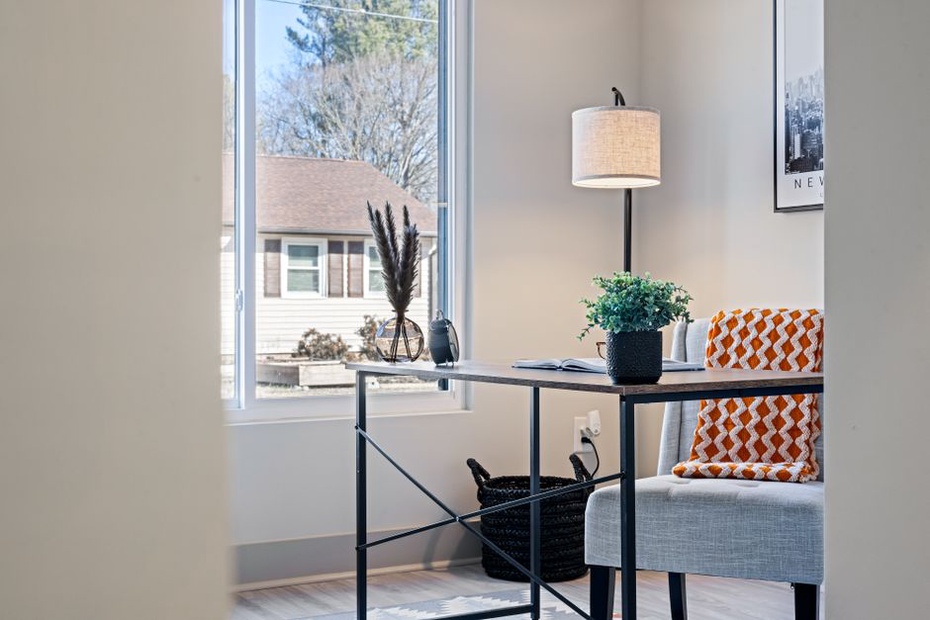
Keep the things you use often within easy reach: keyboard, mouse, notebook, pen, and water. Move less-used supplies farther away so you have room to work. A clear desktop is helpful only if it still fits the task. Reviewing printed documents takes space to lay out pages; recording audio may depend more on a consistent microphone position and less background noise.
Keep the mouse close enough that your elbow can stay near your body, especially if you switch between it and the keyboard often. A document stand near screen height may cut down on repeated head movement during long reading sessions. Secure cables where feet and chair wheels cannot catch them, but leave enough slack to reposition the monitor or keyboard.
For research work, finding your material without breaking focus is part of a comfortable setup. Give active notes and reference files predictable places, such as a labeled folder for each project or a consistent directory structure on your computer. Put documents you need to keep, but are not using now, away from the keyboard.
Choose changes by testing the problem first
An expensive purchase is a poor first move if you do not know what is causing the discomfort. For a few workdays, note when and where you feel it. Neck tension after reading is a reason to check screen and document height. Sore feet after typing point toward chair height and foot support. Afternoon headaches may prompt a closer look at lighting, text size, and breaks. These are clues, not diagnoses; use them to test one change at a time.
- Adjust what you already own. Move the screen, try the chair settings, and clear space around the keyboard.
- Try a reversible fix. Test screen height with a stable stack of books or foot support with a firm box. Make sure neither can slide or tip.
- Work normally for several days. A position that feels good for five minutes may not suit a full day.
- Buy only for a confirmed need. Check dimensions, adjustment range, stability, and return terms before replacing furniture.
If you are considering a standing desk, look for a way to alternate positions rather than a reason to stand all day. Set the keyboard so your shoulders can relax in each position, and keep the screen readable without craning your neck. An anti-fatigue mat may help on a hard floor, but you still need to move and take breaks. The same goes for specialized chairs: adjustment options matter only if they fit your body and desk.
Build breaks into the layout
Working at home can take away the small walks you once made to a meeting room or printer. Keep a water refill point outside the workspace, take calls away from the chair when practical, and pause between tasks to shift your focus to something farther away. Movement does not replace a suitable workstation; it keeps you from staying fixed in one, however well arranged it is.
Before your next long work block, sit down and type a paragraph while noticing your shoulders. If they rise, lower the keyboard or adjust the chair until your arms can relax, then support your feet if the chair has moved up. Work with that change for a few days before deciding what else needs attention.